
Internet Coverage Check
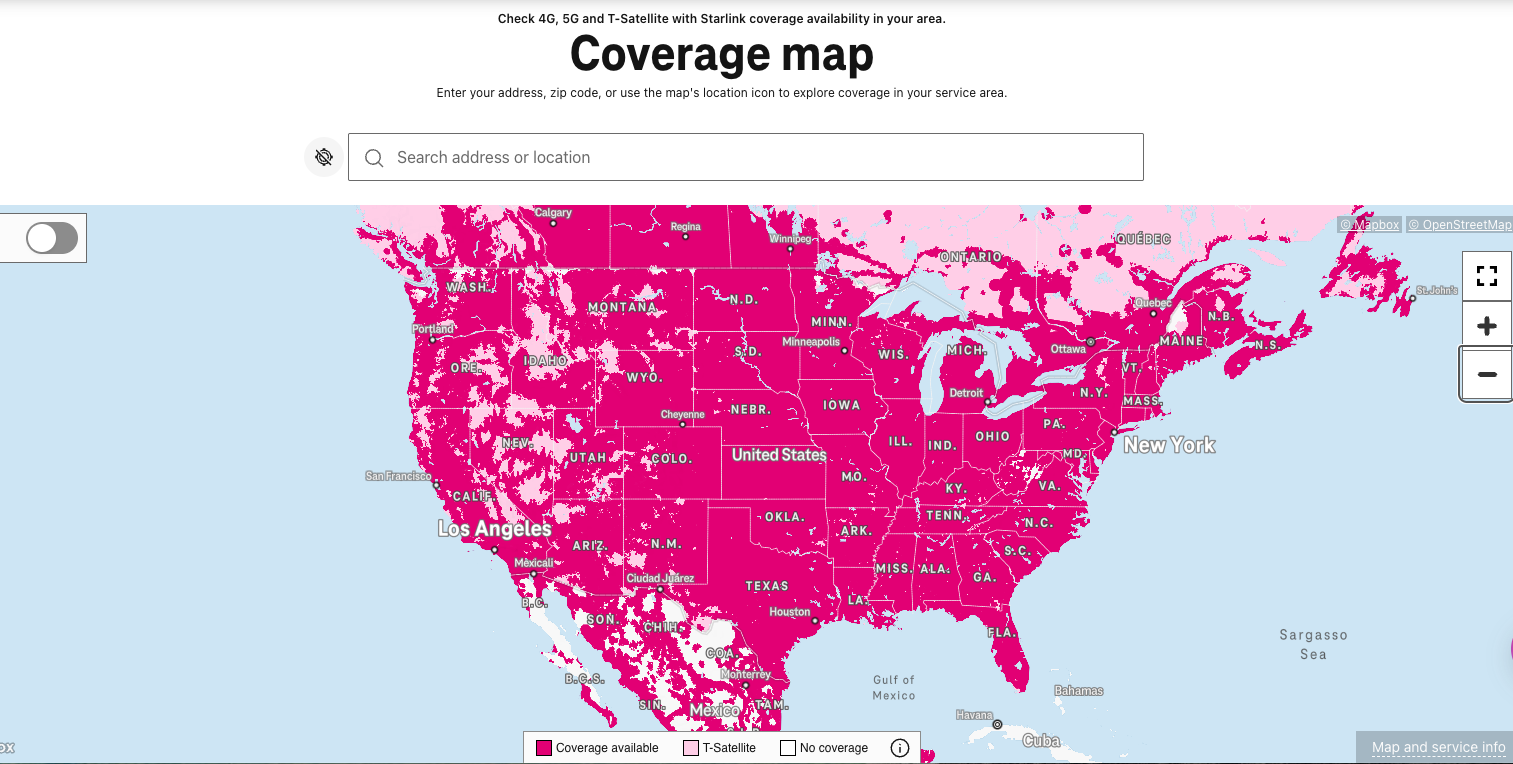
Please follow these instructions to verify coverage before you place your order.
- Click “Proceed to Coverage” below to open the T-Mobile coverage map.
- In the search box, enter the main address where you will use the service — street address, city, state, and zip code — or use the map’s location icon to find your area.
- Check the coverage shown for your address. Use the map’s legend to confirm you have 5G or 4G LTE coverage where you live.
- If you have coverage, please complete your order. If you do not, please Contact Us and we will investigate whether we have a different device we can offer you.
What Is a 5G Hotspot?
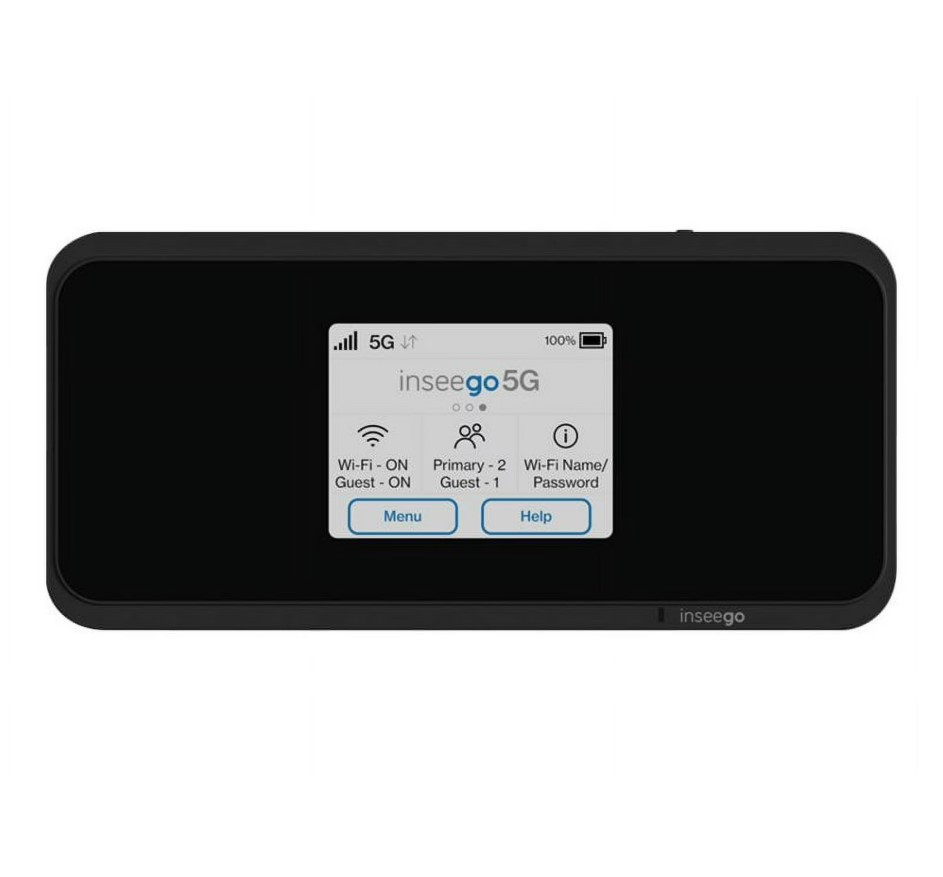
A hotspot is a small, portable device that connects to the cellular network and creates your own private Wi‑Fi signal, so you can get your phone, laptop, tablet, and other devices online — at home or on the go. A 5G hotspot uses the newest generation of mobile network technology to do this.
What Is 5G?
5G is the fifth generation of mobile network technology — the same kind of signal your cell phone uses, but newer and faster. Here’s what that means for you:
- Faster internet. 5G can load pages, video, and files much faster than older 4G LTE.
- Smoother video calls and streaming. Less lag and buffering, even during busy times.
- More devices at once. One 5G hotspot can keep the whole household connected at the same time.
- Works in more places. A 5G hotspot automatically falls back to 4G LTE where 5G isn’t available yet, so you stay connected in more areas.
- No special plan needed. To get 5G speeds you just need a 5G‑capable hotspot and 5G coverage at your address — which you can confirm with the Coverage Check above.
Not sure whether you have 5G where you live? That’s okay — use the Coverage Check above to see what’s available at your address before you order.